Asylum Floor Tiles
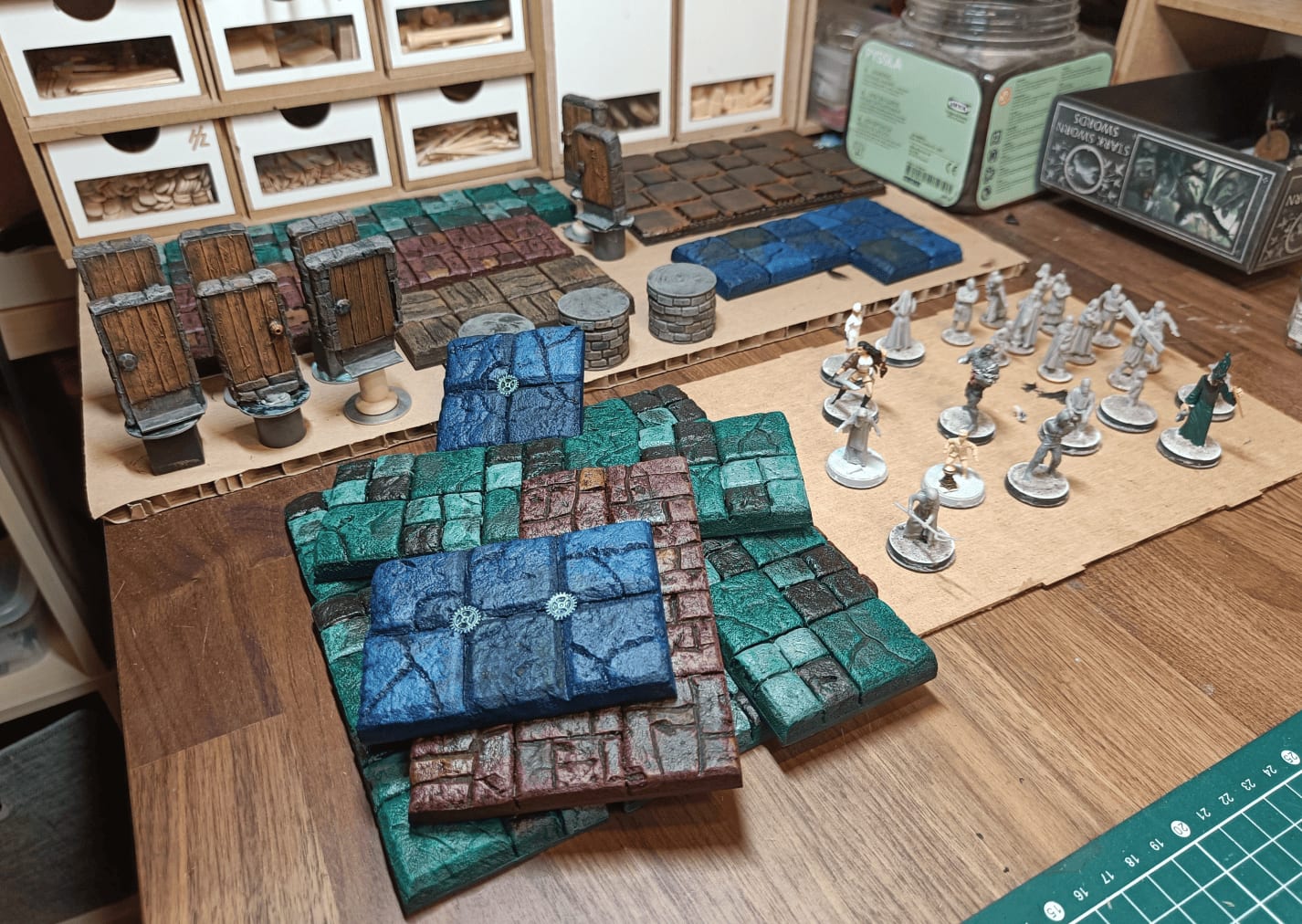
Two years ago, I made custom floor tiles for the entire Briarstone Asylum from the first book of the Strange Aeons Pathfinder campaign. I wanted different tiles for each room, which made for a fun playing experience but was a huge amount of work. I’ve since moved to more modular tiles, but I’m still happy with how these turned out.
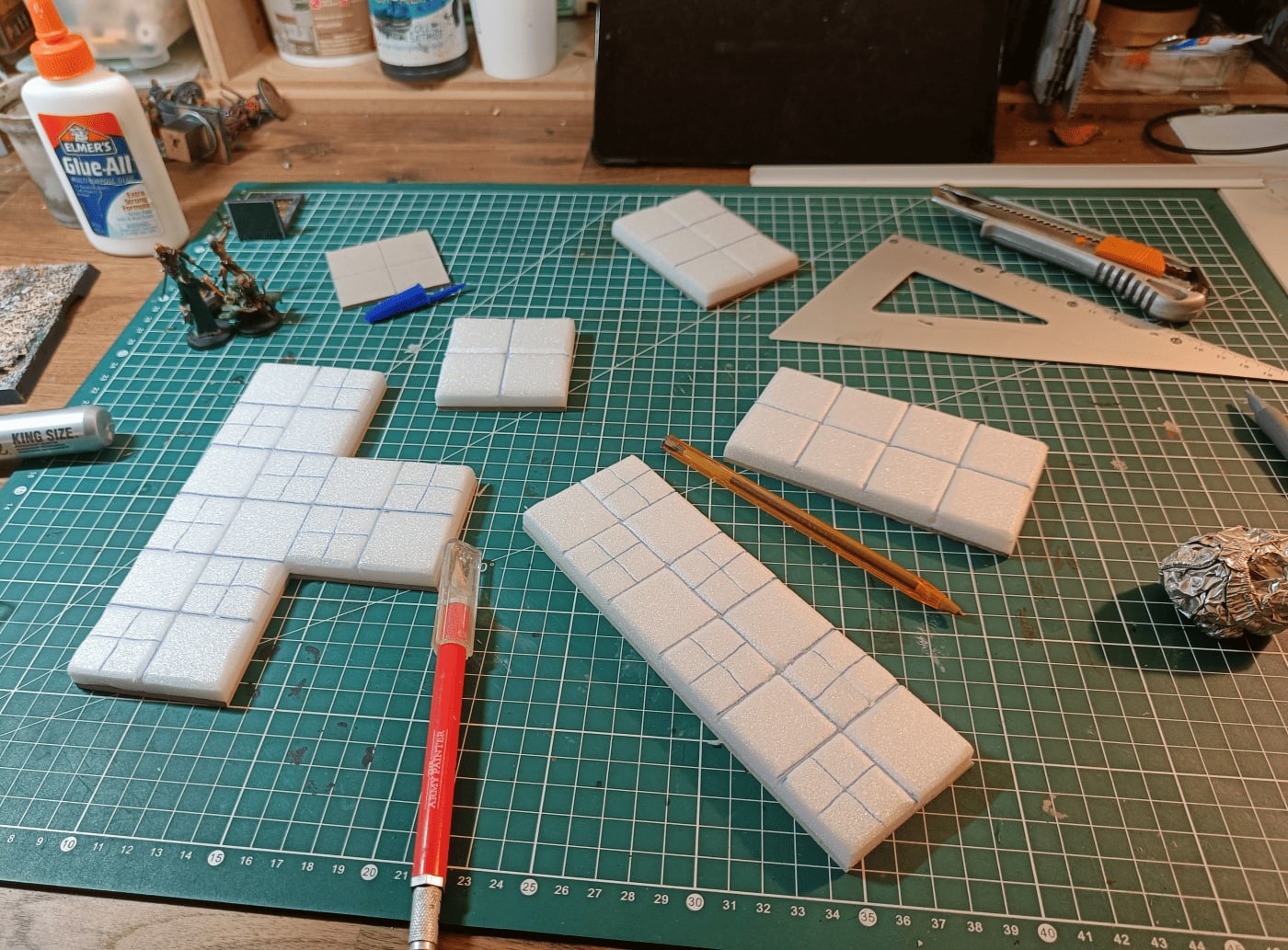
I started by drawing the dimensions of each room I’d need on cardboard. I had to divide long corridors into smaller sections and figure out different intersections. This made my tiles less modular, but it ensured they’d fit together properly. It was a lot of work to cut accurately, reproduce the map correctly, and figure out where to make each cut.
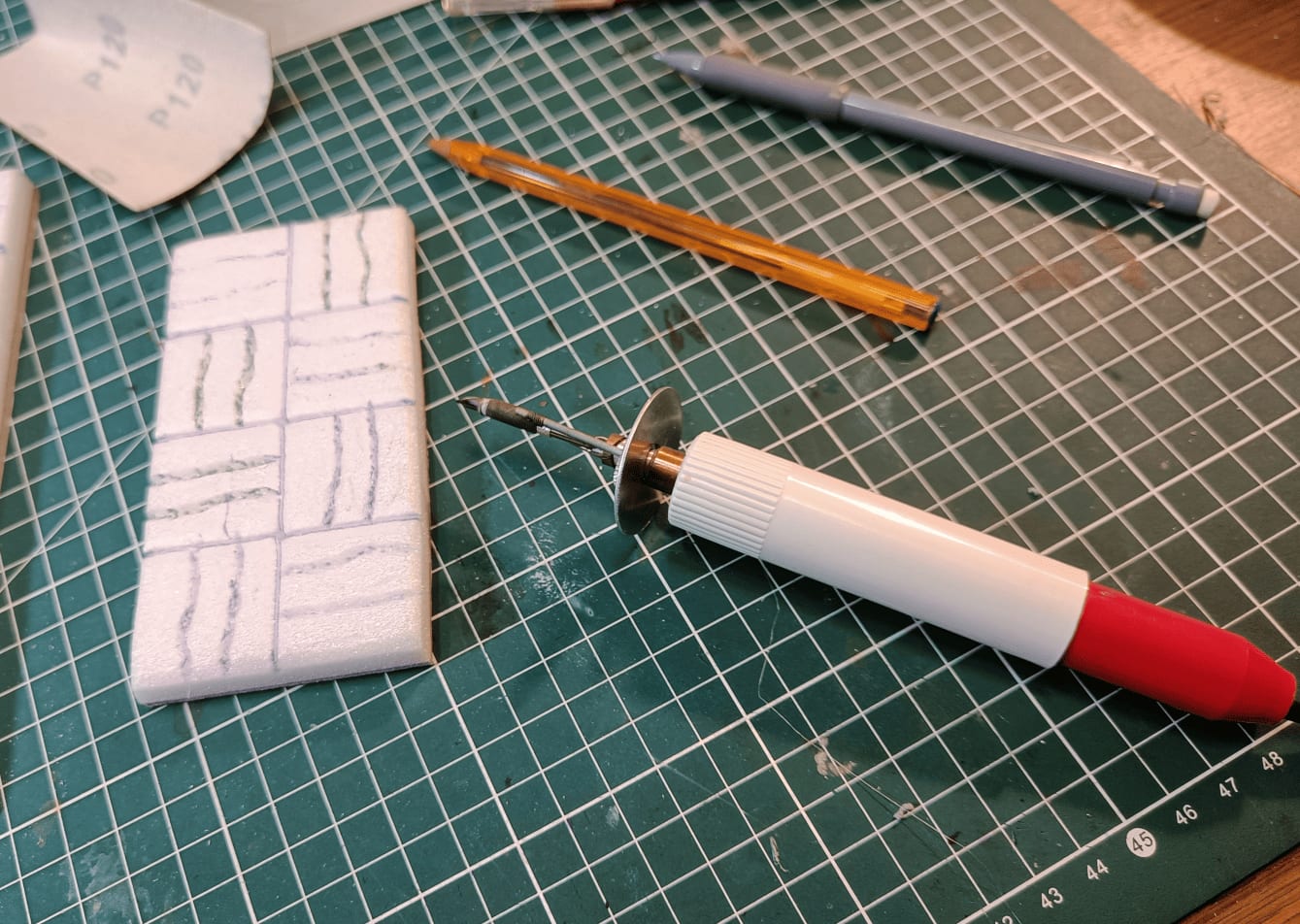
For the wooden floor sections, I used a wood burning tool on the foam. It melts the foam in an uneven way, which works well for making the planks look not perfectly straight. I’m glad I documented this because I myself forgot I did that! Recently, when I had to make more tiles, I carved the wooden planks by hand with a cutter, but I could have done it this way instead.
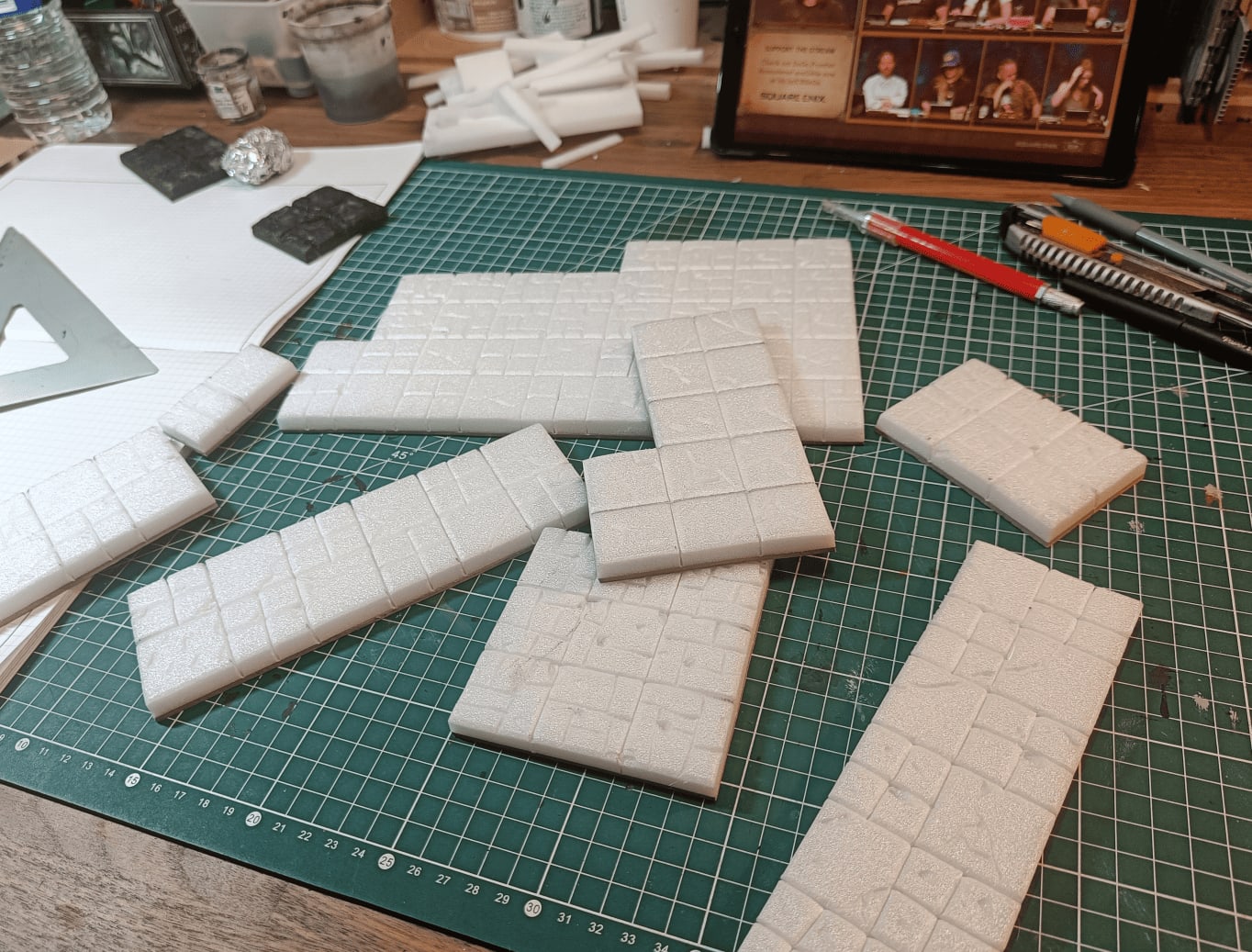
I started adding variation to break up the monotony. On some tiles I divided certain squares into four smaller squares, on others I made small brick patterns. I also added damage marks using a mix of wood burning tool, cutter, and mechanical pencil head (visible in the top right).
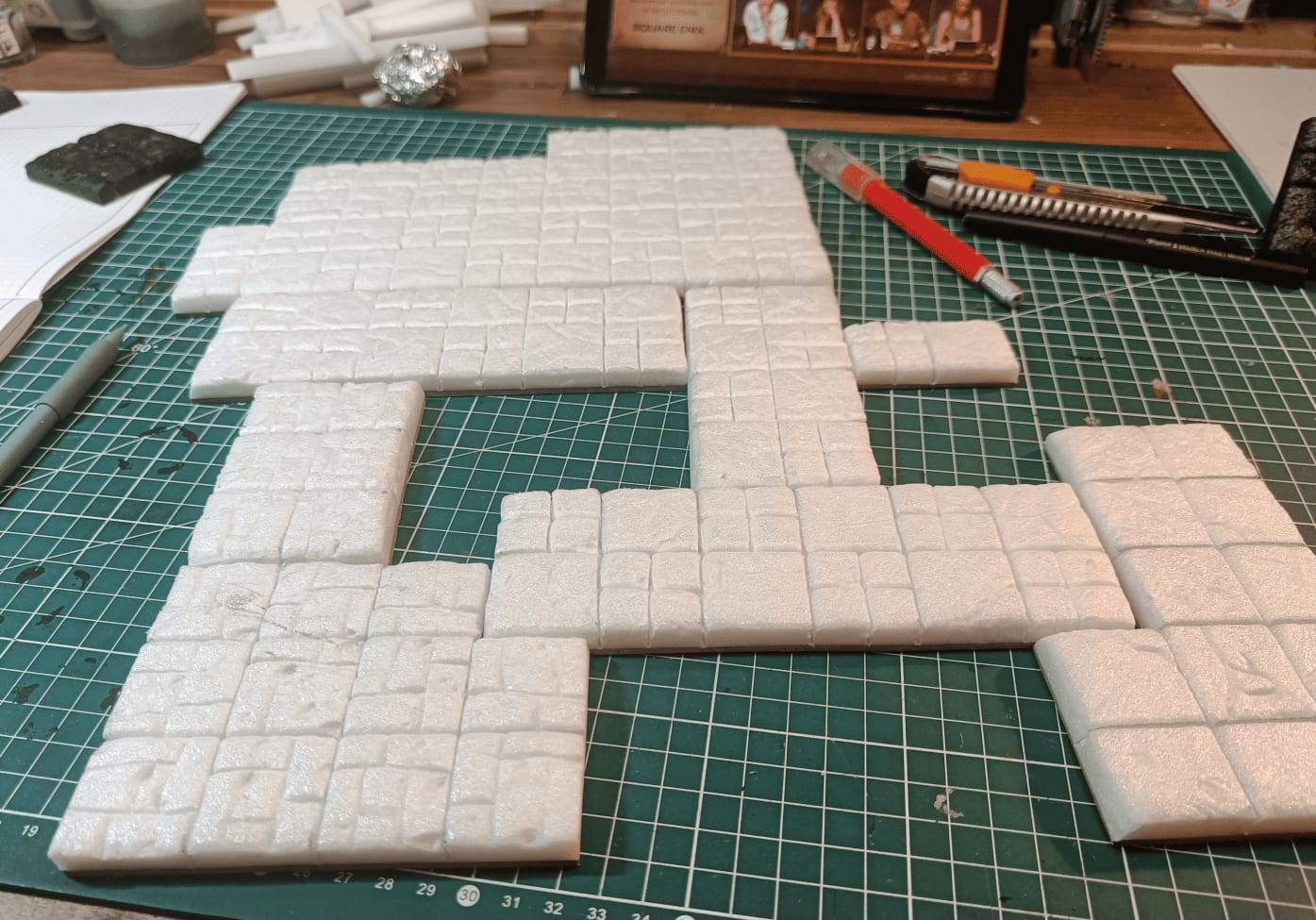
I damaged them more by removing pieces with a cutter or burning them with the wood burner, then rolled a crumpled aluminum ball over them to create a stone texture.
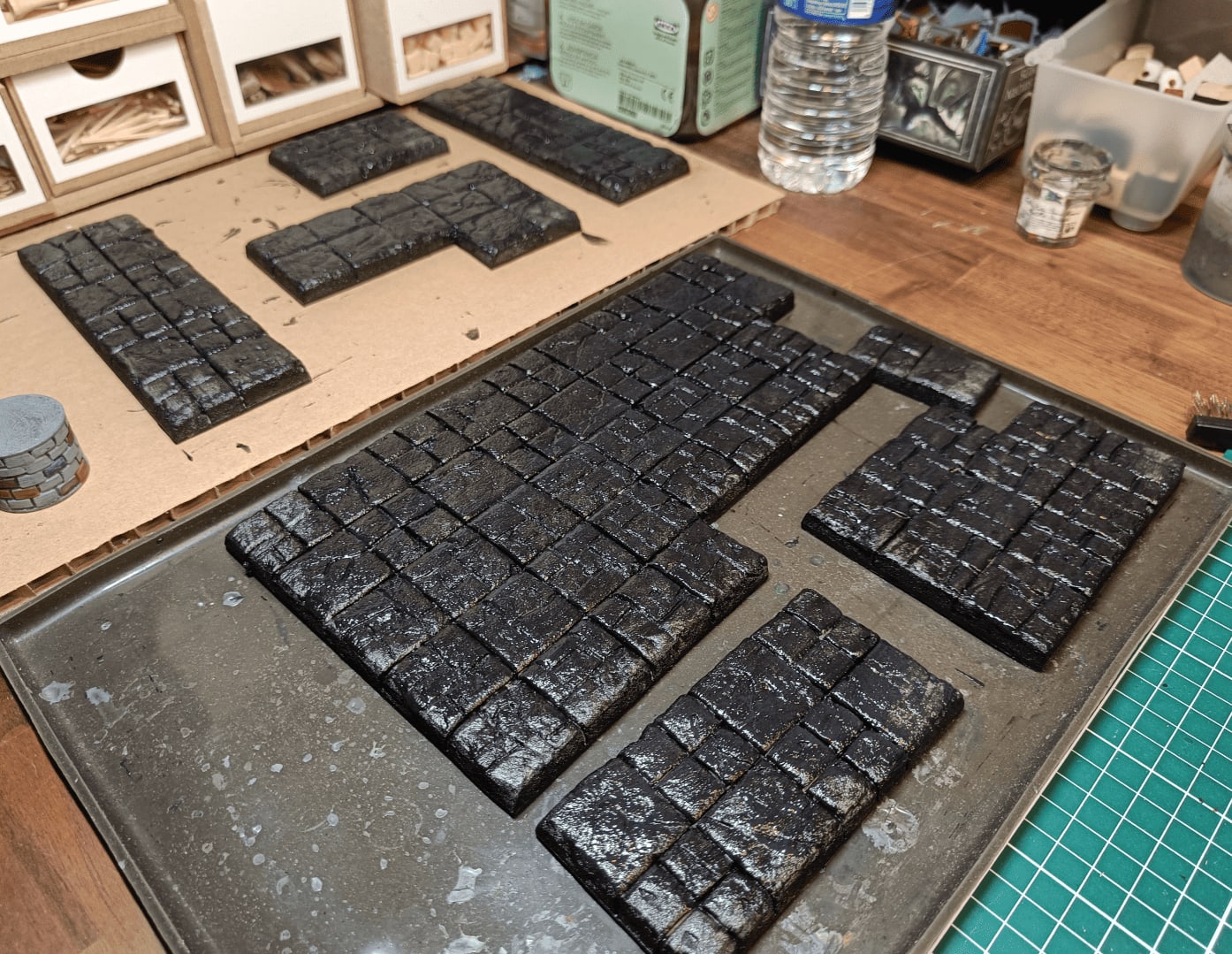
This is after the first coat of mod podge. The longest part is done, and soon I’ll be able to paint them.
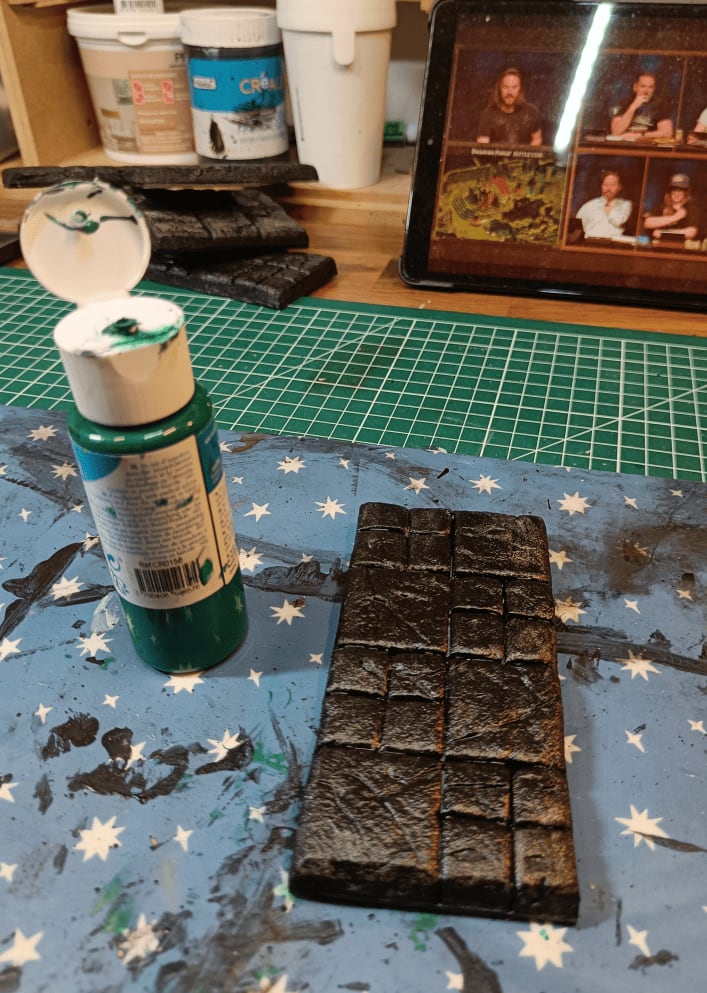
I took photos of which colors I used on which tiles so I could replicate it later. This is basic craft paint you can buy anywhere. I wanted strong colors since we’d be spending a week in this dungeon, so it wouldn’t feel like gray corridors everywhere. I used different colors depending on which part of the asylum they were in: red, green, blue, and also brown for the wooden sections.
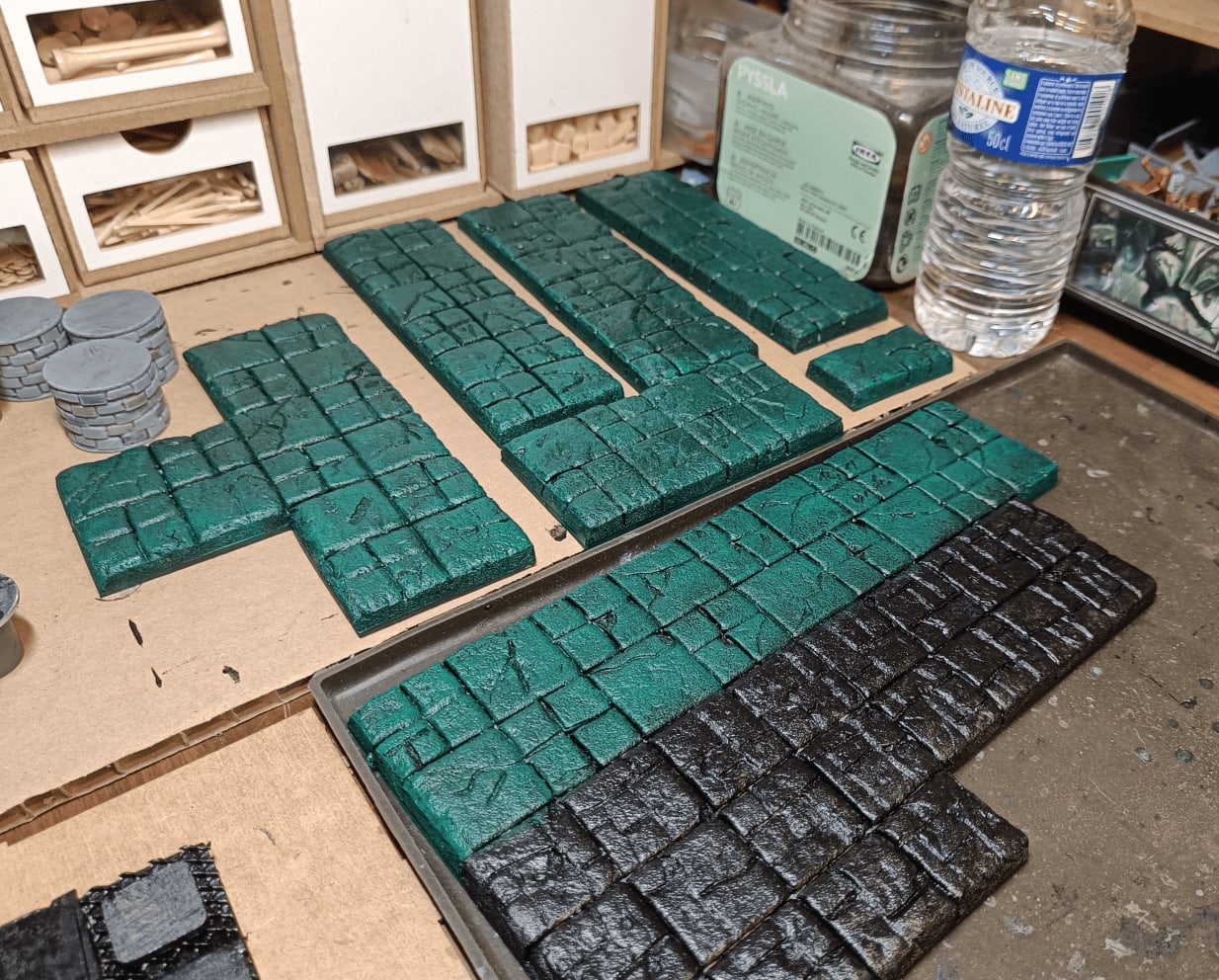
First drybrushing, really more of an overbrush with green directly on top to give the main tone. The tile with the odd shape at the bottom is actually two rooms side by side. I wanted the corridors to be mostly green and the rooms to be different colors.
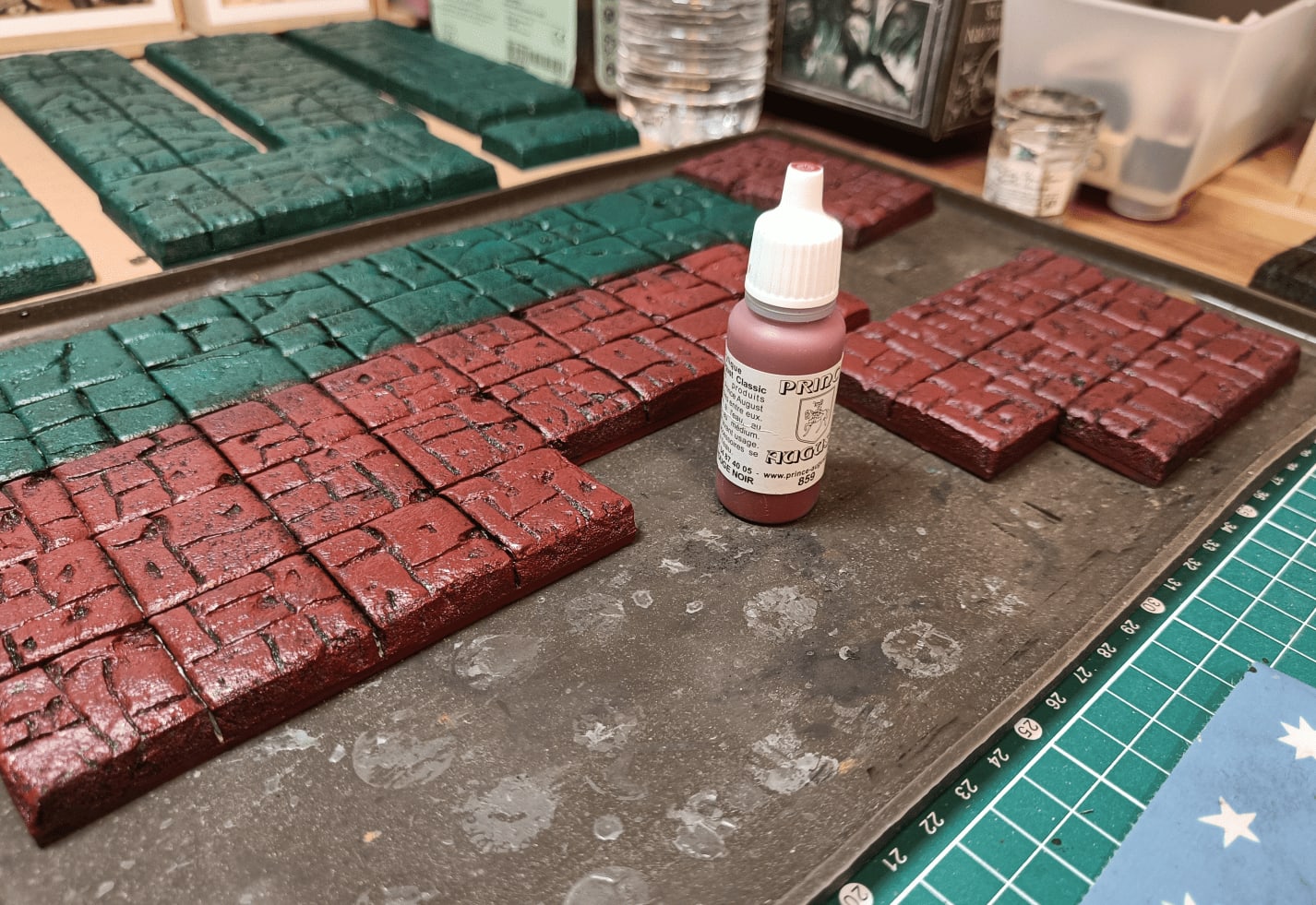
Here I overbrushed the room with red. I tried to make the type of patterns on the tiles match a color. Whenever it’s divided into lots of small bricks, it’s red. When it’s divided into 4, it’s green, etc.
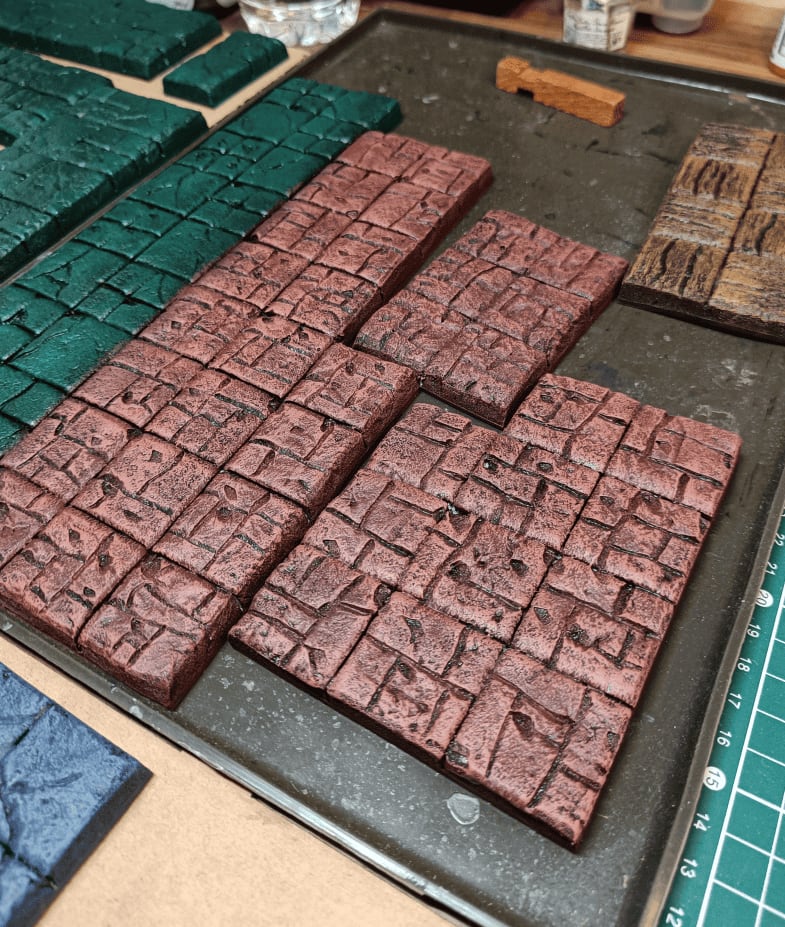
Same tile, but I added another drybrushing layer on top. I took a lighter red, almost orange, and drybrushed over the red part. I haven’t done it yet, but I’ll do the same on the green part with a lighter green.
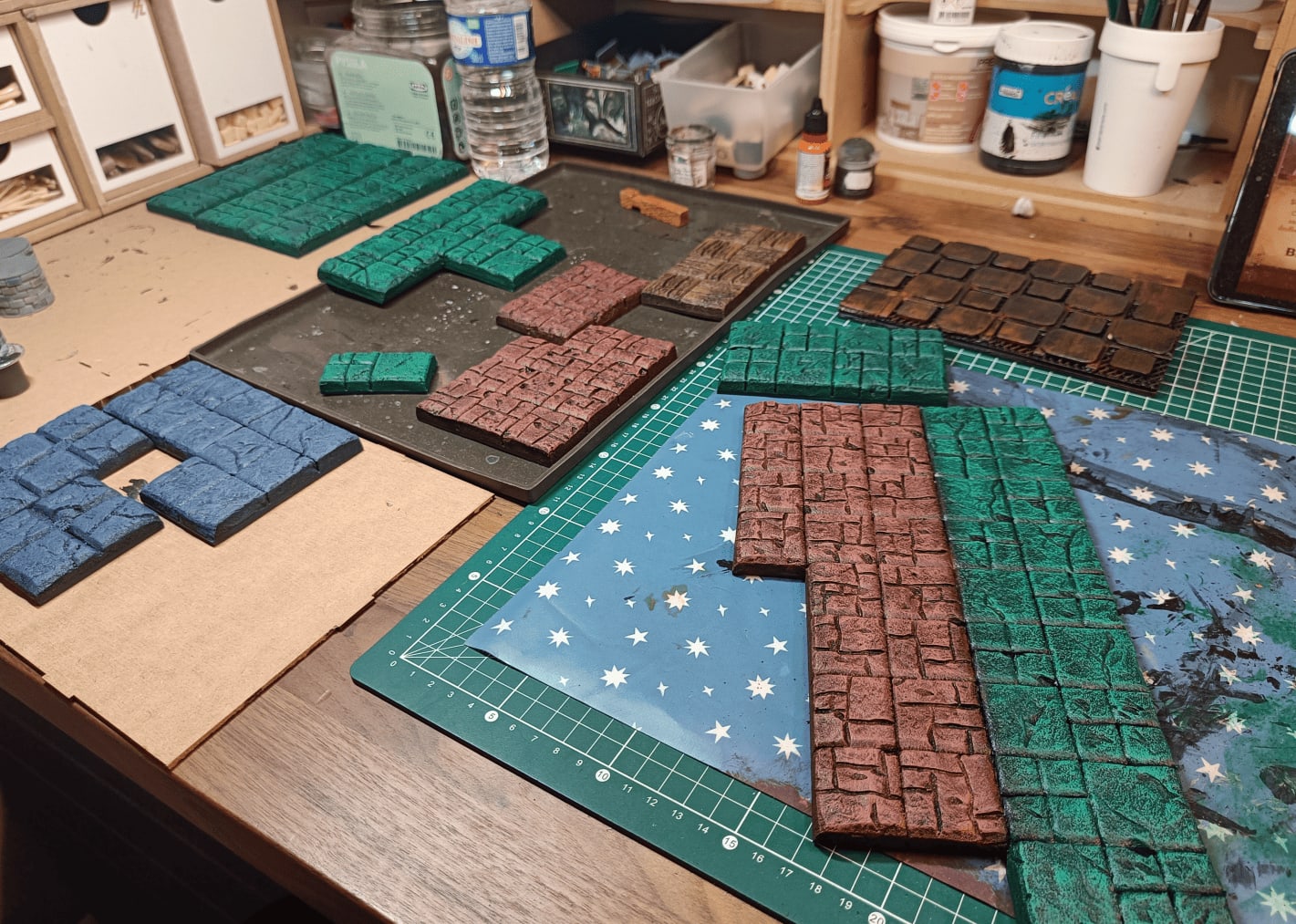
Here’s my workspace where I work on multiple tiles at once. I do all the steps in sequence: all the overbrushing, then all the drybrushing, then all the washes.
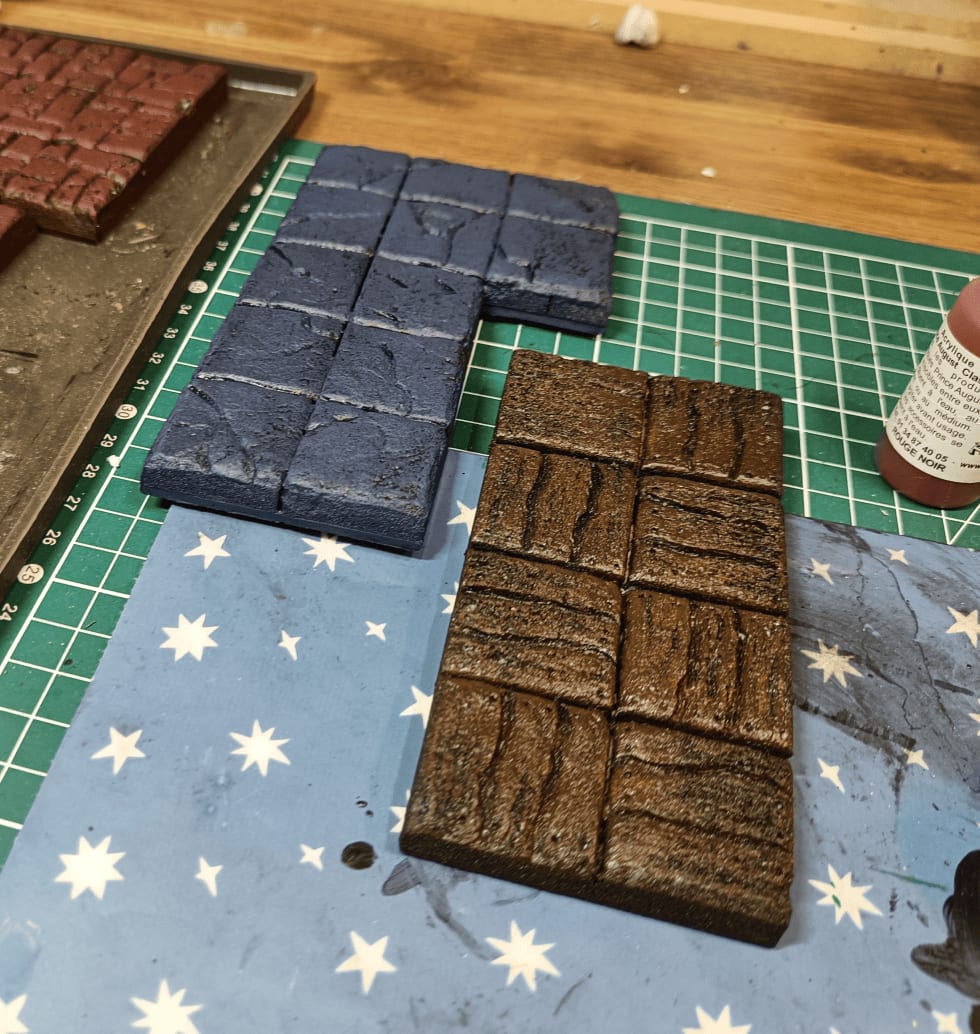
This is the tile we saw at the beginning. I’m overbrushing with brown for the wood, and I’ve started doing the blue as well.
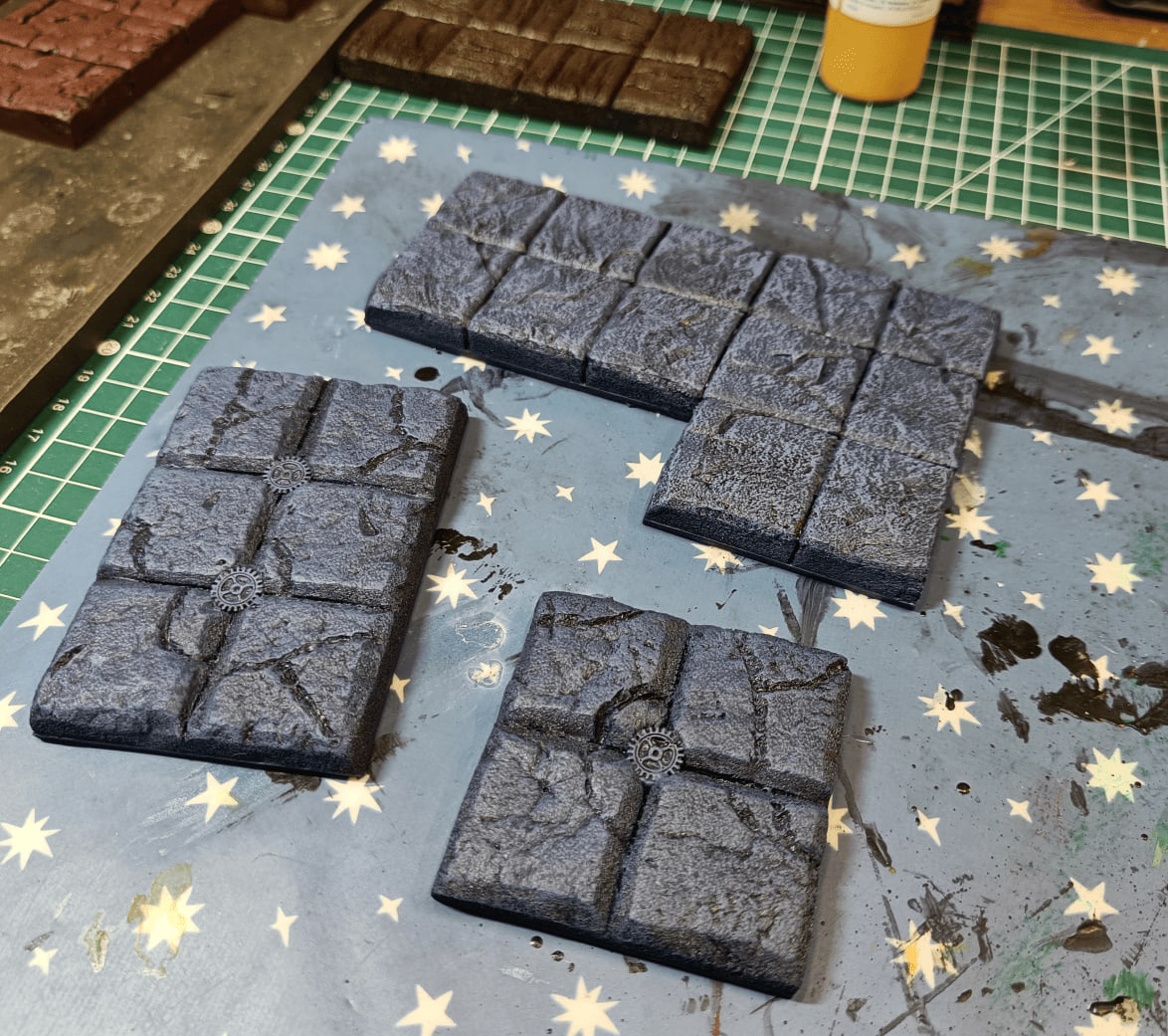
More details on the blue parts. For the blue rooms, I wanted to do rooms that are sort of water rooms or maintenance rooms, so I tried adding small gears in the middle. It doesn’t look extremely good, but it let me differentiate the rooms. This is after the overbrush and drybrush.
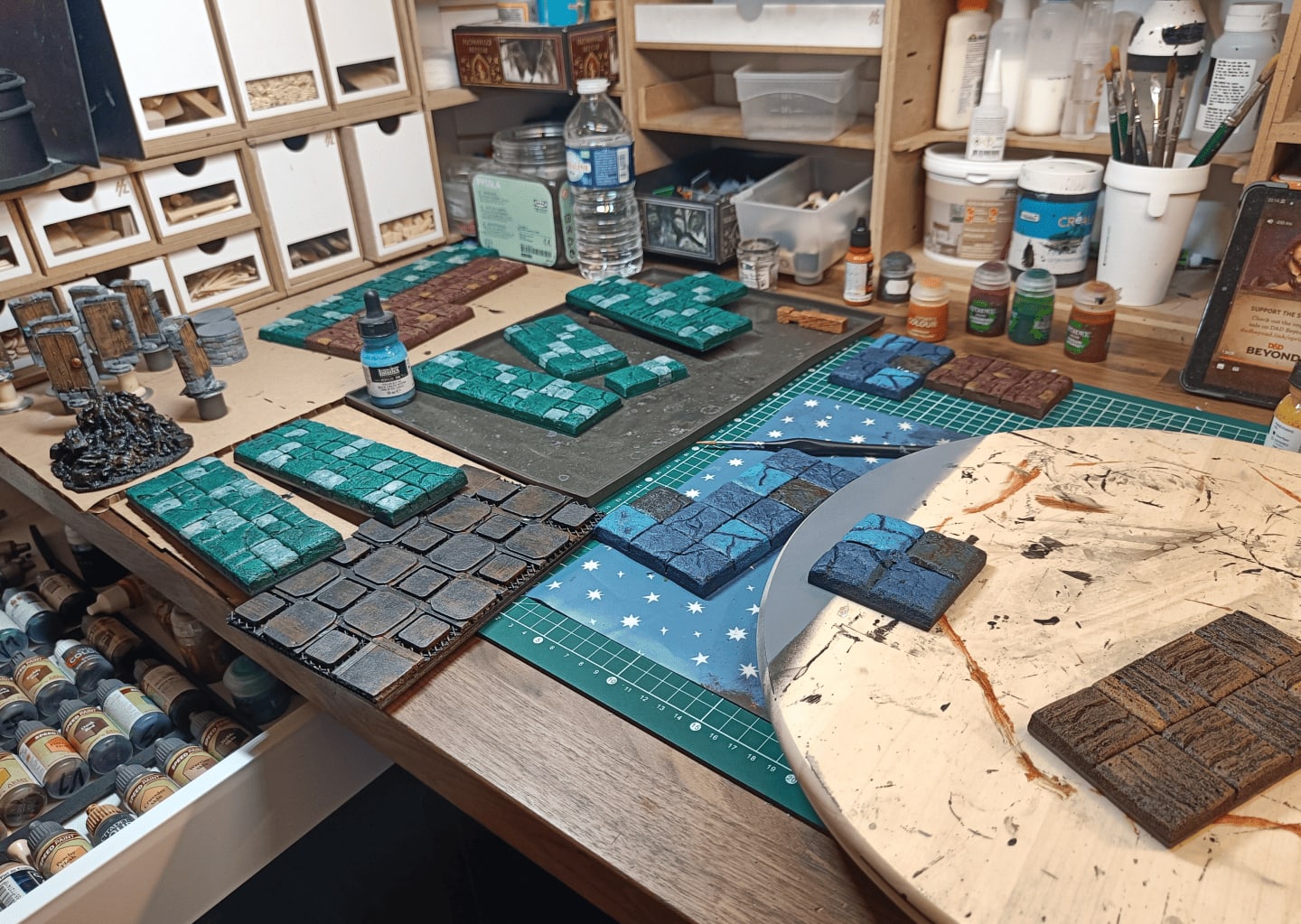
I’m starting to add more variation in tone using very diluted blue paint on certain squares to give them a slightly different tint. I also use brown or very dark blue on others so not all squares have exactly the same tone. Same for the green corridors, I color some squares a bit white. It looks like a big patchwork now, but it’ll be toned down when I add the wash on top.
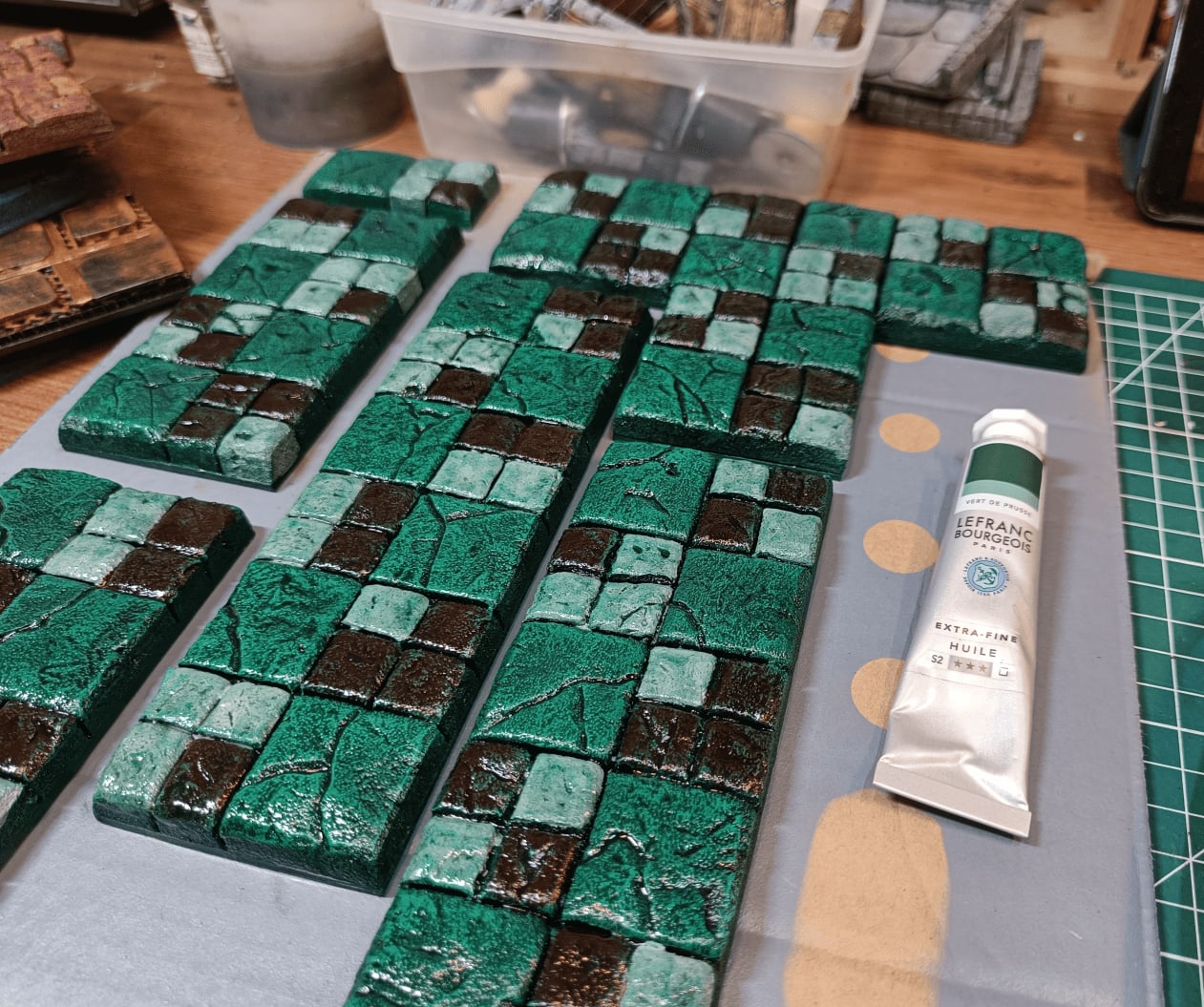
I added the wash on top. I used green oil paint to unify everything with the same green tint.
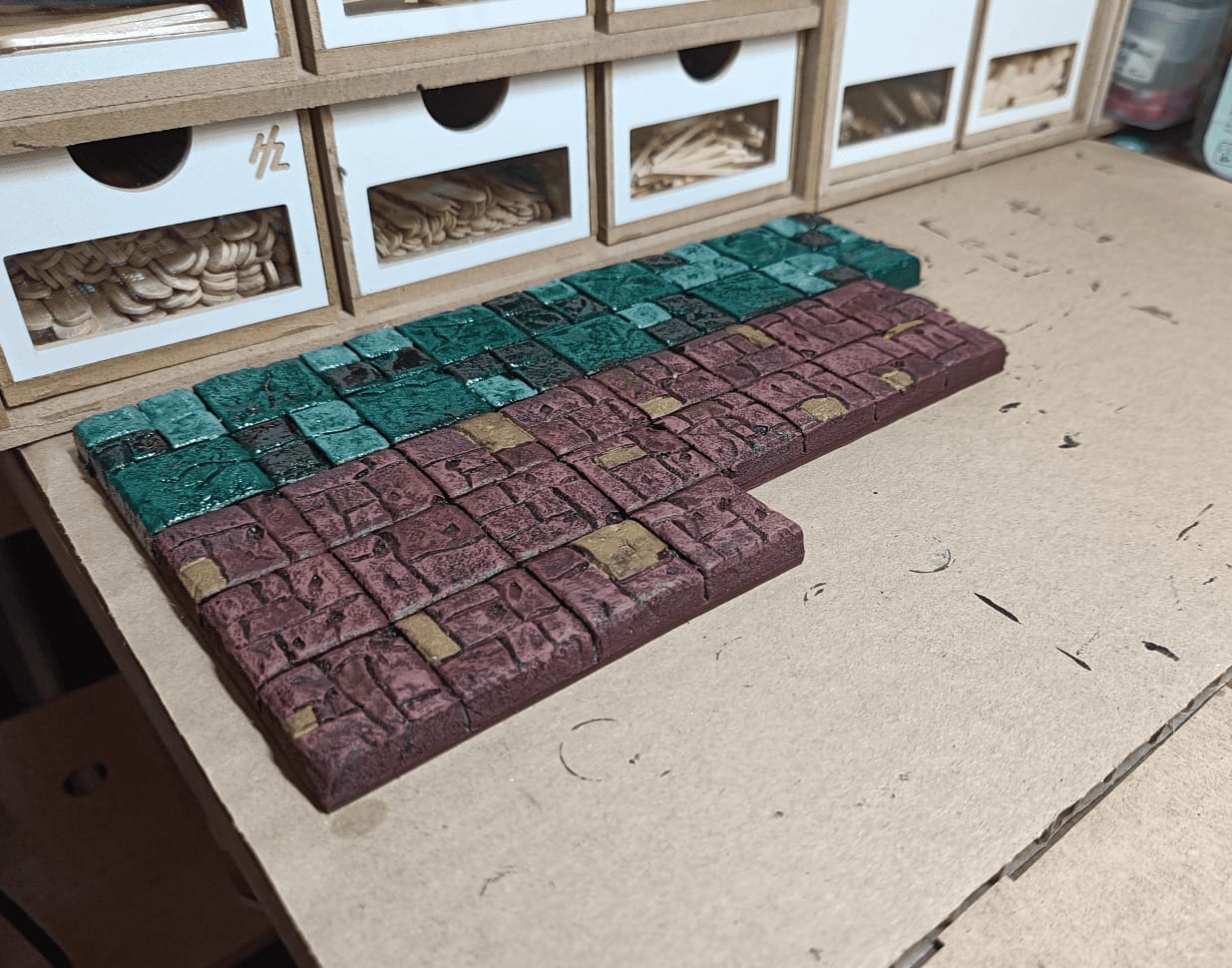
The red oil wash has already completely dried, but I’m waiting for the green to dry.
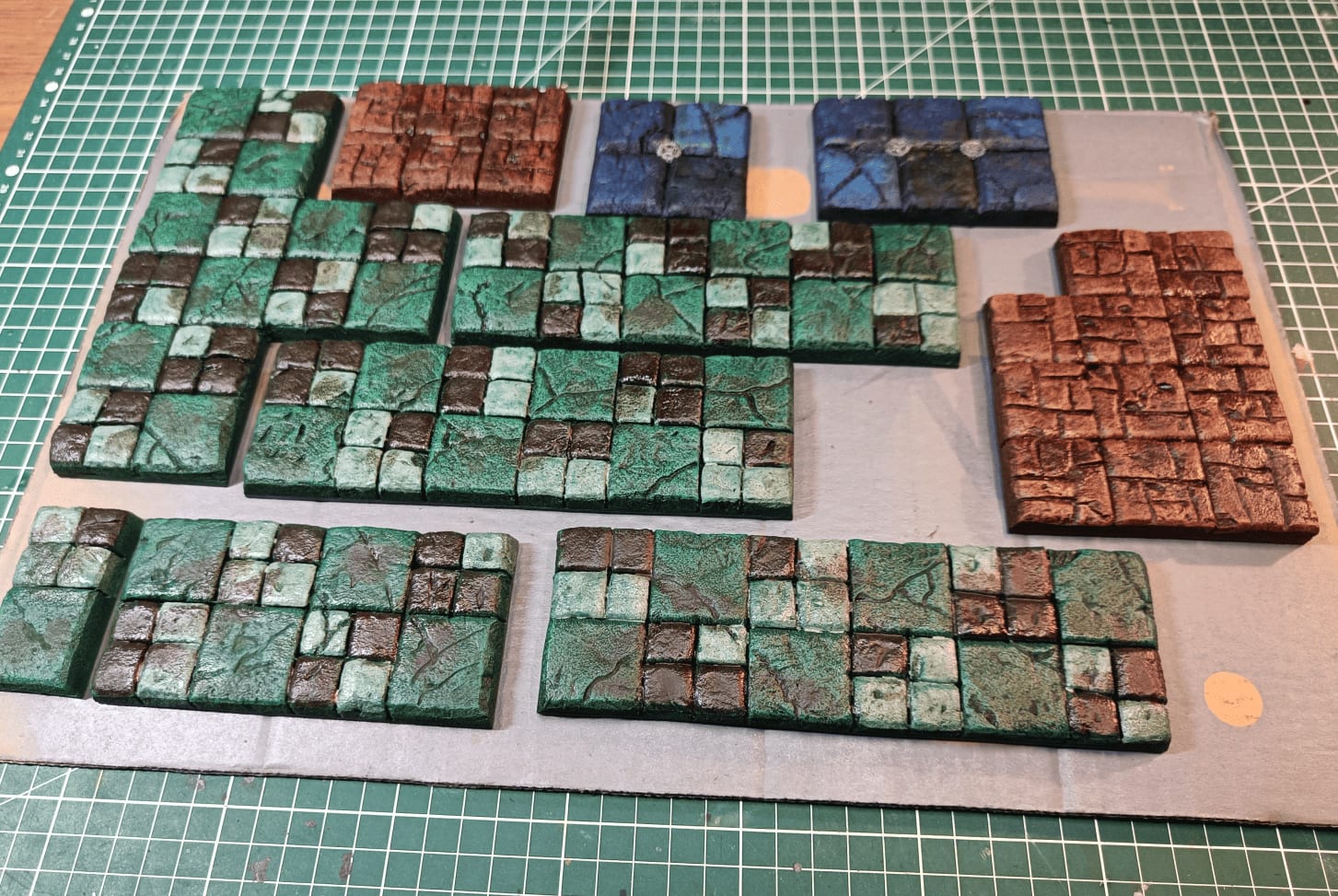
It’s dried. The oil wash has started leaving ugly stains in different spots, which is exactly what I wanted. It’s starting to unify each tile with its color, but everything still looks a bit different.
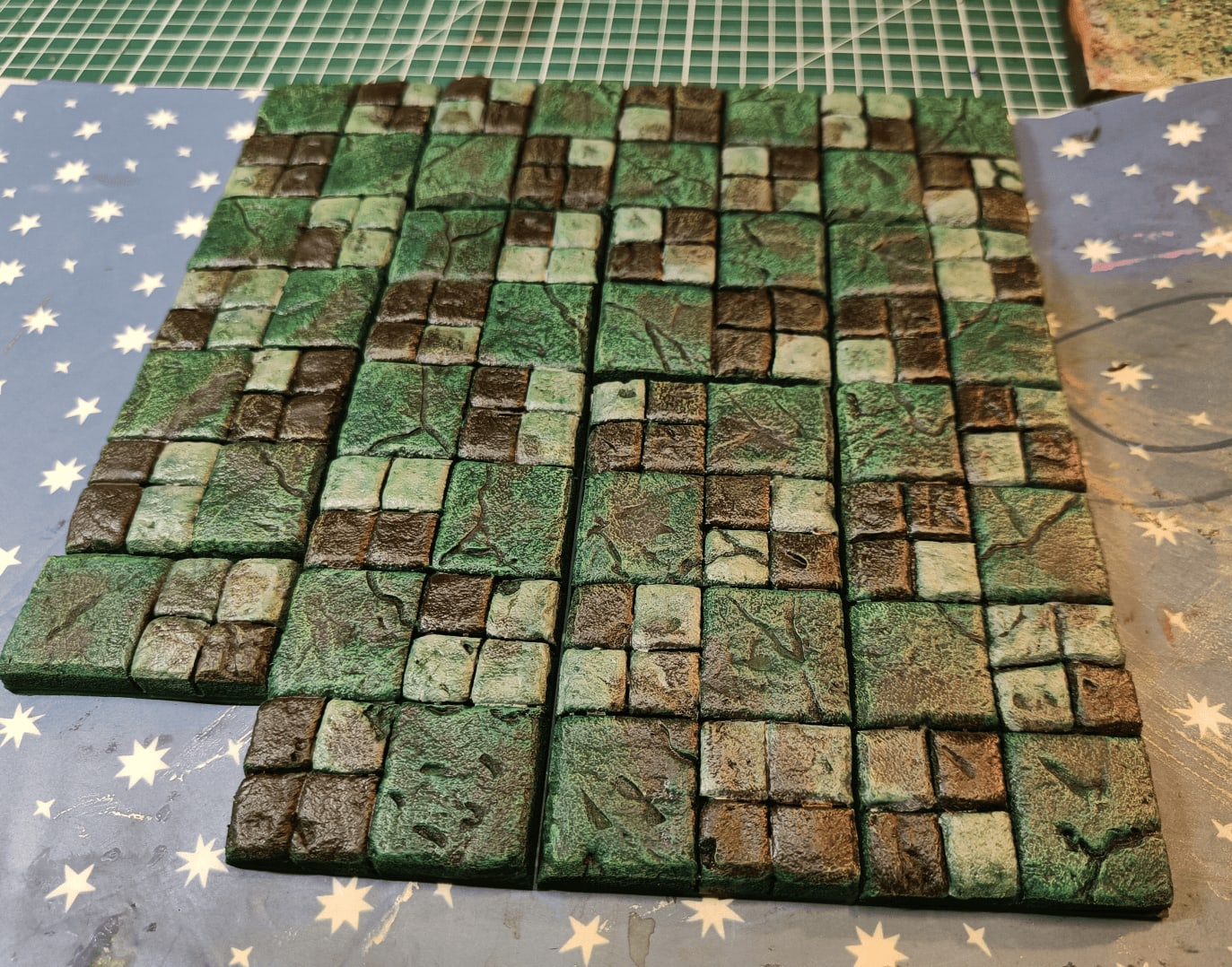
All the different corridors I put side by side, and they fit well together.
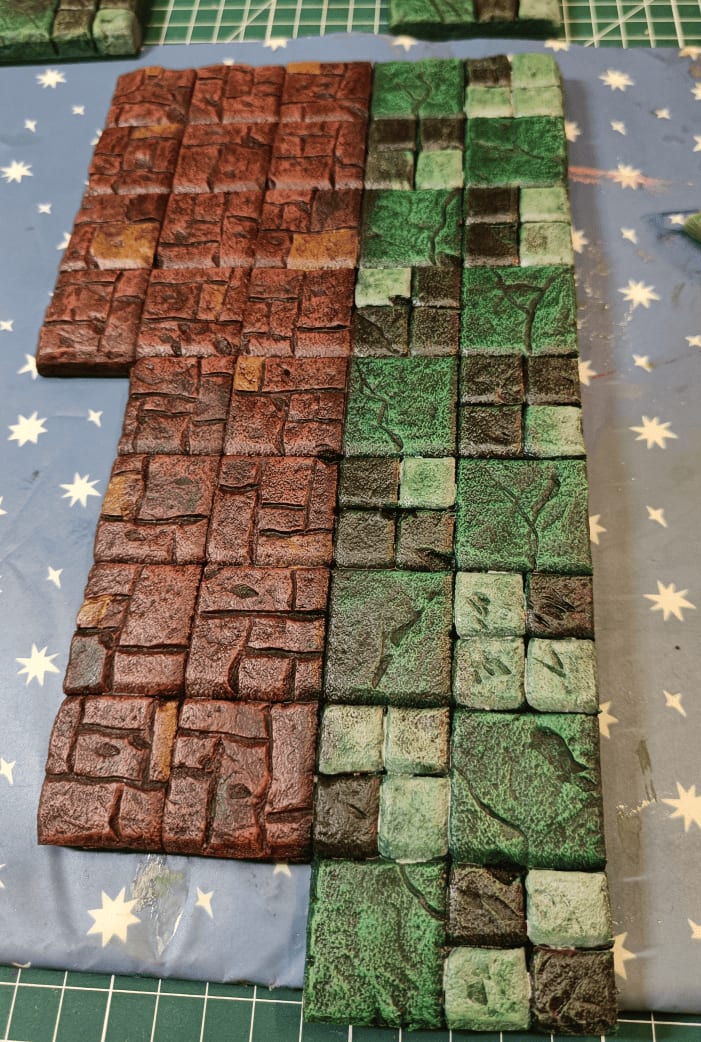
This is the weird room I made.
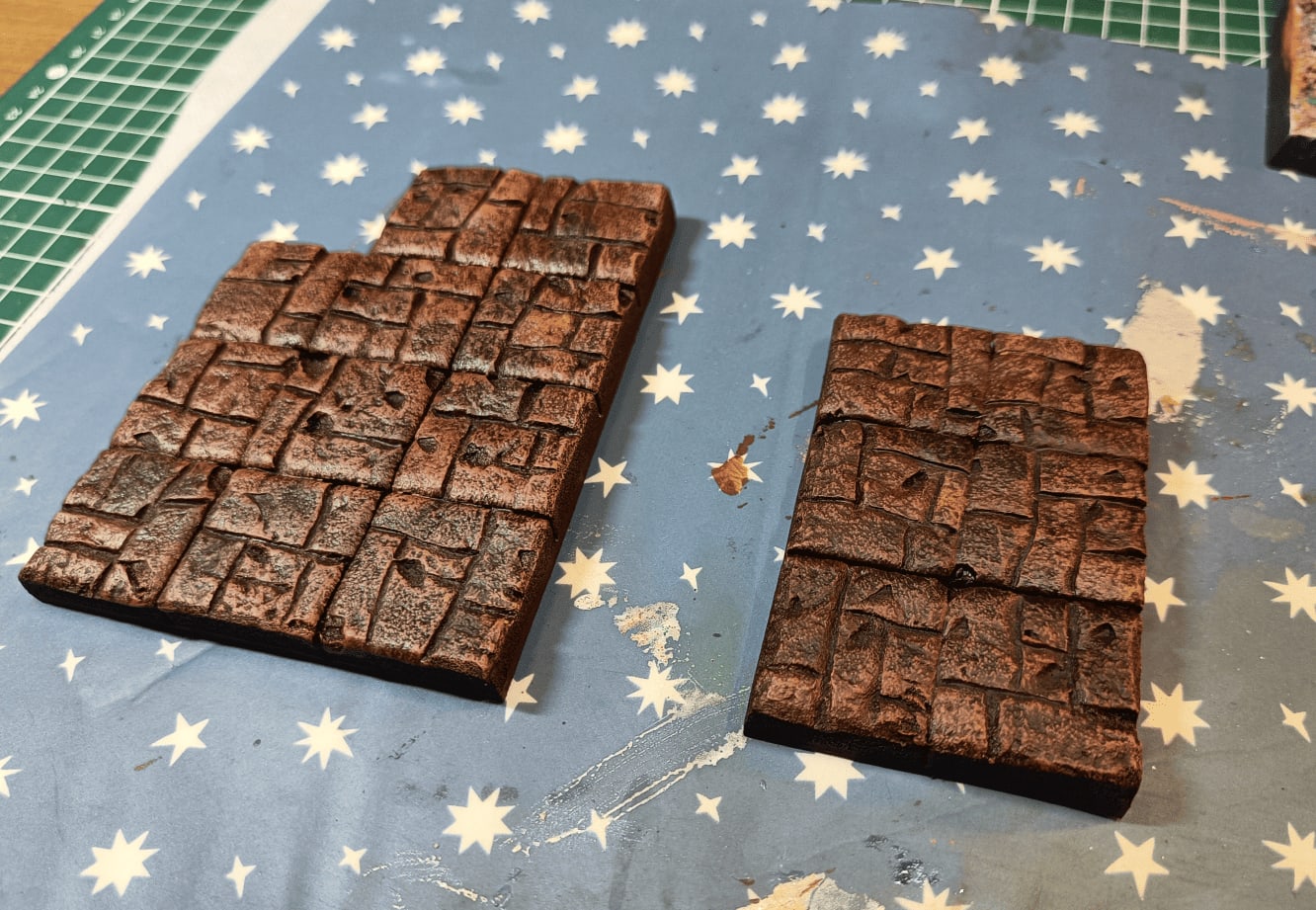
Once the wash is finished on the red, you can see that gritty look that I really like.
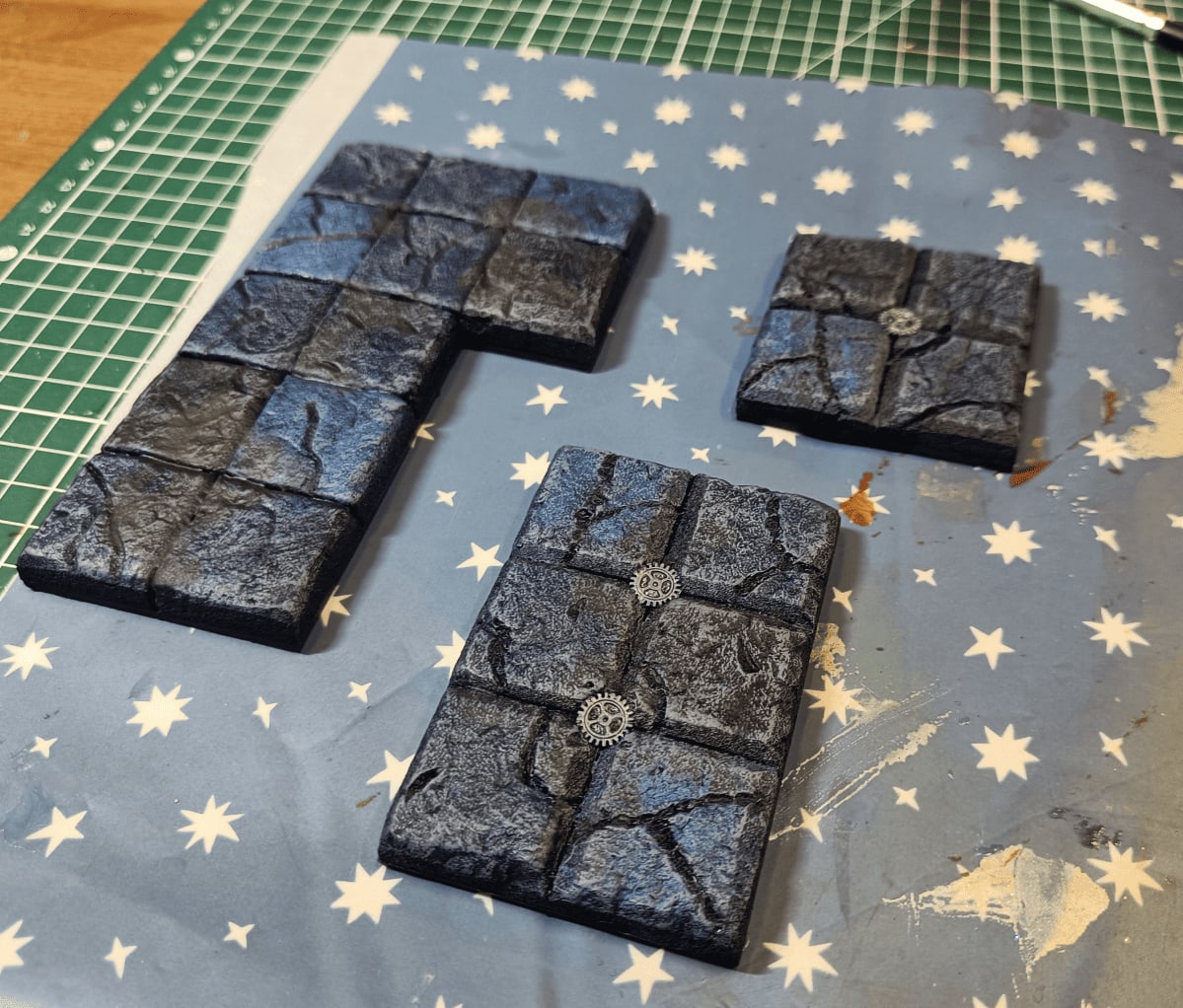
Same thing on the blue compared to how it was before when it was a super bright blue. Between the wash and the white-gray drybrushing I did on top to bring out the edges, I’m really happy with how it looks at this stage.